Clean Up an itaobuy Spreadsheet Wishlist
Clean Up an itaobuy Spreadsheet Wishlist
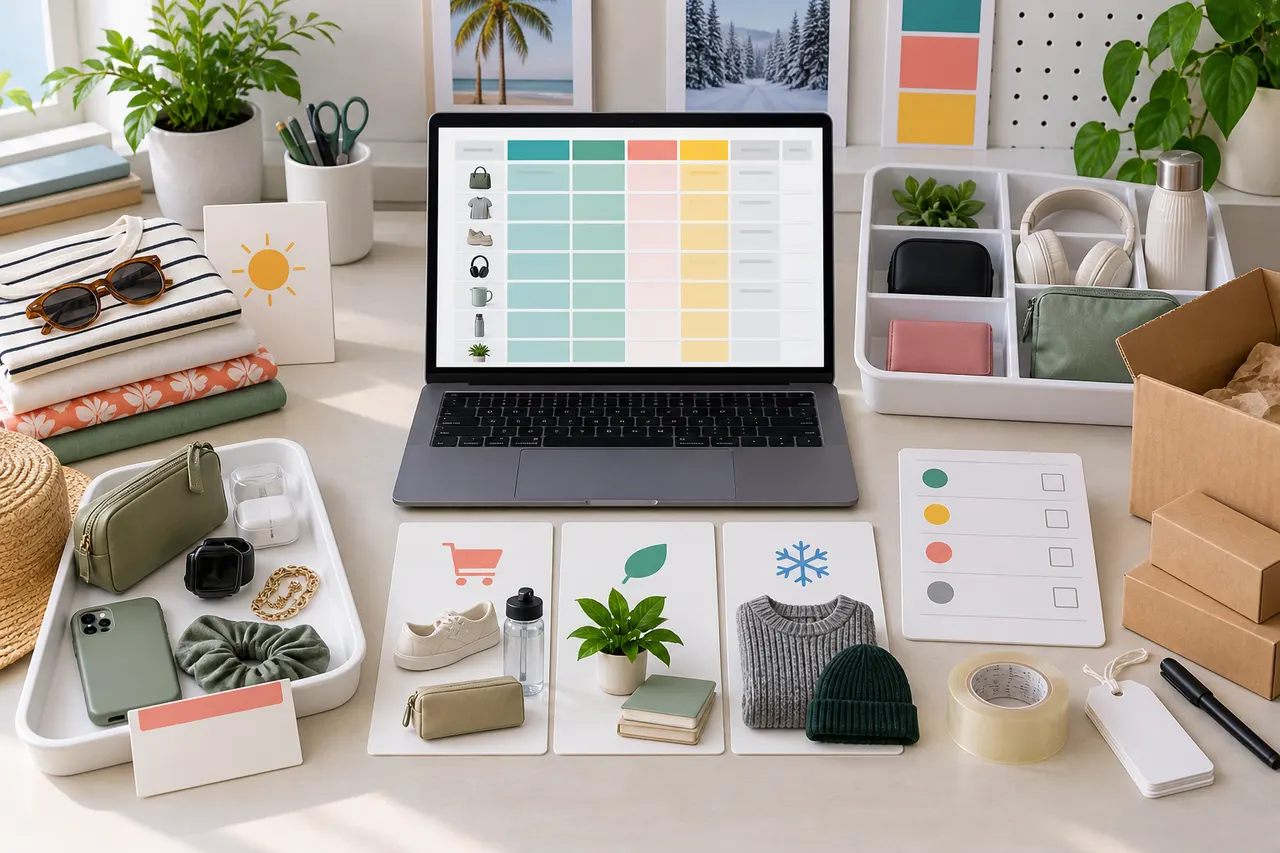
Caption: Use a table to reorganize itaobuy candidate products, first determining purpose, season, and orderable status, then decide whether to proceed to the next round of purchasing.
First define the purchasing task this cleanup should solve
The most common way an itaobuy Spreadsheet wishlist gets out of control isn't because there are too many products, but because every row seems like "maybe I'll buy it later." Before cleaning up, narrow the goal down to a completable task: are you trying to prepare seasonal clothing, stock up on daily necessities, organize a gift list, or filter out candidates that can be submitted right away to the itao-buy.com purchasing agent process?
It's recommended to first write down three sentences:
Who are these products for
When do you expect to need them by
How many items or what budget is the maximum for this round of ordering
If a product cannot answer these three points, don't treat it as a "product to order" yet; instead, put it in a "pending observation" zone. This way, the cleaned-up sheet will serve actual purchasing rather than continuing to pile up links. 🧹
This article is suitable for users who already have a batch of itaobuy Spreadsheet wishlist items and are preparing to re-filter the candidate pool; it is not suitable for situations where you need to judge the authenticity of a certain product, real-time inventory, final shipping costs, or customs duties. That information must be based on the product page, seller page, warehouse feedback, and logistics route descriptions before submitting the order, and re-verified on the day of ordering.
Group wishlist items by purpose, season, and urgency
The first round, don't rush to delete items; group them first. Grouping helps you see duplicates, out-of-season items, and impulse saves, instead of being led by individual product images.
You can add three columns to the Spreadsheet: purpose, season, urgency. Be as specific as possible with the purpose, for example "commuter jacket," "dorm storage," "birthday gift," "summer sports shoes," not just "clothes" or "good stuff." Season can be written as spring/summer, autumn/winter, all year, or specific months. Urgency is suggested to use three levels: "order this round," "observe for next round," "not purchasing for now."
During cleanup, focus on these situations:
If there are more than three similar products under the same purpose, compare and keep only one or two with the strongest evidence.
Products that have clearly missed their usage season should be moved to next round of observation unless there is a clear reason related to price, size, or restocking risk.
Products saved only because the image looks good, without specifications or purpose, should be downgraded first.
Gifts, event supplies, and seasonal necessities should be prioritized for verification because they are more sensitive to delivery time. ⏳
After this process, the wishlist will transform from "many links" into "several purchasing projects."
Mark orderable, pending verification, and should-remove candidates
The second round starts judging the action status of each row. Don't just look at whether the product is still in the sheet, but whether it is sufficient to support the next step.
Status | Judging criteria | Next step |
|---|---|---|
Orderable | Product page is accessible, has clear name, specifications, color, size or model, and images are sufficient to judge the style | Enter this round's candidates, re-verify price, inventory, and seller information before submitting |
Pending verification | Link can open, but lacks key specifications, size chart, material description, real photos, or purchase options | Decide after supplementing evidence, don't directly plan parcel consolidation |
Should remove | Link invalid, too little information, duplicate purpose, season mismatch, or no clear buying reason | Remove from main candidate pool, place in archive page if necessary |
Pay special attention here: the old prices, old titles, and old notes in the Spreadsheet can only serve as historical records, not as current facts. Prices, inventory, product options, seller status, shipping routes, and after-sales conditions may change. It is recommended to add a "verification date" column in the sheet, and write this cleanup date as 2026-09-08; when actually ordering, you still need to re-confirm.
Use completeness of specifications, size, and images to determine retention priority
If there are many similar products, the retention order should not be based solely on how much you like them. For cross-border purchasing agents, information completeness directly affects order success rate, warehouse inspection efficiency, and subsequent after-sales communication.
Prioritize keeping these products:
Color, size, model, and set contents are clearly written
Product images clearly show front, back, details, and packaging or accessories
Size chart has units and can be compared with your own measurements
Title and options have no obvious contradictions
Seller page or product page provides enough information to support filling in remarks
Products that need to be downgraded include those with only atmospheric images, only one blurry main image, unclear size notation, color options not matching images, long titles without specification focus. For clothing and shoes, prioritize keeping candidates with size charts and real detail shots; for accessories and daily necessities, prioritize keeping candidates with clear dimensions, material, quantity, and applicable scenarios. 📏
If images are insufficient, don't write "looks about right" as a definite judgment. You can write in the remarks "need to confirm actual photos," "need to confirm size units," "need to confirm whether accessories are included," so that warehouse inspection and subsequent communication have clear questions.
Build a lightweight comparison table to avoid duplicate saves
When you're halfway through cleanup, it's best to create a lightweight comparison table. It doesn't need complex formulas; the goal is to let you see at a glance which similar product is more worthy of entering this round's order.
Comparison item | Product A | Product B | Product C |
|---|---|---|---|
Purpose | |||
Usage season | |||
Key specifications complete? | |||
Size or dimensions determinable? | |||
Images sufficient for inspection? | |||
Current status | |||
Reason to keep |
For each group of similar products, compare only the items that truly affect purchasing decisions. For example, for jackets compare size, thickness, color, and detail images; for storage items compare dimensions, quantity, load capacity, and usage location; for gift products compare delivery time, packaging completeness, and after-sales risk.
The most valuable part of the comparison table is forcing you to write down a "reason to keep." If the reason to keep can only be written as "like it" or "might use it sometime," it usually should not enter this round's order list. ✅
Evidence supplementation checklist for products with insufficient information
Insufficient information does not mean immediate deletion. Some products just need evidence supplementation, especially candidates with special styles, good prices, or clear purposes. When handling such products, you can change the remarks to a question list instead of subjective evaluation.
Common evidence supplementation items include:
Is the product page still accessible?
Does the product name correspond to the remarks in the sheet?
Can color, size, model, and quantity be clearly selected?
Does the size chart have units and match personal measurements?
Are images sufficient to support warehouse QC photo verification?
Do you need to write special requirements in the itao-buy.com order remarks?
Are there obvious after-sales risks, such as fragility, customization, close-fitting, strong seasonality, or difficulty in returns?
For products that need confirmation through QC photos, you can pre-write inspection focus points in the sheet. For example, "confirm shoe box integrity," "confirm clothing collar and cuffs," "confirm set piece count," "confirm color is not a shifted option." This way, when warehouse photos come back, you can quickly decide whether to proceed with shipping, request additional photos, or contact after-sales. 📷
Do not record complete ID documents, payment cards, detailed addresses, or complete waybill information in the sheet. When involving order and logistics screenshots, first cover personal information, keeping only the content needed to judge product and logistics status.
How to arrange next round ordering order after cleanup
After cleanup is complete, don't submit all "orderable" items at once. A more stable approach is to sort by time sensitivity, verification difficulty, and parcel consolidation value.
The first batch should include: products with clear purpose, complete specifications, near season, and low after-sales risk. The second batch should include: products that need additional images, size confirmation, or are still being compared among similar items. Postponed products continue to be observed, and do not enter shipping cost estimation and parcel consolidation planning.
Parcel consolidation arrangements should also be cautious. Consolidation may reduce repeated first weight or operational costs, but it may also increase volumetric weight, package value, and single loss/damage risk. Splitting parcels may cost more in fixed fees, but can resolve route restrictions, lower single package value, or reduce mixing issues for certain categories. Do not directly apply the conclusion "consolidation always saves money" or "splitting is always safe"; instead, re-evaluate based on this round's product volume, weight, value, route restrictions, and destination country customs requirements.
The ordering order can be arranged as follows:
First submit products with the most complete information and least communication needed
After receiving warehouse feedback and QC photos, decide whether to add similar products
For products with doubts about size, color, or set contents, supplement evidence before ordering
For high-value, fragile, or customs-sensitive products, evaluate route and risk separately
Before shipping, re-confirm delivery address, logistics restrictions, tax responsibilities, and after-sales window. 🚚
Final review: Keep a candidate pool that drives decisions
The final round of review only asks one question: can this itaobuy Spreadsheet drive the next decision? If a row of products cannot help you order, verify, consolidate parcels, track, or handle after-sales, it should not remain in the main candidate pool.
The ideal state after cleanup is not the fewer products the better, but that every row has a clear purpose, current status, verification date, and next action. Orderable products should be able to enter the purchasing process on itao-buy.com; pending verification products should have specific questions; removed products should not continue to interfere with budget and ordering judgment.
The benefit of this method is reducing duplicate saves, lowering the probability of missing specifications and sizes, and making the next round of ordering more orderly. The added workload is that you need to verify links, images, and options row by row, and cannot decide based solely on old remarks. It is suitable for users who have saved a large number of candidate products and are preparing for concentrated purchasing or seasonal organization; not suitable for users who want to make quick impulse orders, cannot verify product page information, or are unwilling to bear the uncertainties of logistics, customs, and after-sales in cross-border purchasing agent services.
When the Spreadsheet only contains candidates that can explain "why buy, when to buy, how to buy, and how to inspect after receipt," it truly transforms from a wishlist into a purchasing tool. 🗂️
Agent Platform Shopping FAQ
1. On itao-buy.com, how can I access the inspection images of my order?
When you look at the quality control images on itao-buy.com, pay close attention to the details that matter for your specific item. For footwear, check critical parts like the front, back, and tongue, and examine stitching, overall shape, and tongue thickness to judge if it's a top-quality product. For garments, inspect the neck label, logo stitching, fabric texture, and how smooth the collar and cuffs are, among other things.
2. What does QC photos mean on itao-buy.com?
itao-buy.com, like other drop-shipping services, has a dedicated quality control team. When your products reach the itao-buy.com warehouse, they perform a quality check and take QC photos of your items. Typically, they capture three photos and confirm that the color, size, specifications, and quantity match your order. They also look for any quality issues, except for electronics where only the exterior is checked. If they find a defect or a wrong size or color, they will immediately request a return from the seller. This way, you receive high-quality products.
3. Which product categories are available on itao-buy.com?
itao-buy.com provides a wide selection of categories, such as shoes, t-shirts, sweaters, hoodies, jeans, sweatpants, shorts, beach shorts, factory clearance items, down jackets, baseball jerseys, shirts, hats, jewelry, bags, electronics, sunglasses, socks, underwear, and trendy collectibles.
Browse our latest products and find your next favorite item.